
Heat Transfer Vinyl with Cricut Design Space Software
Maximum Students: 4
Duration: 3 hrs
Prerequisites: Introduction to Cricut
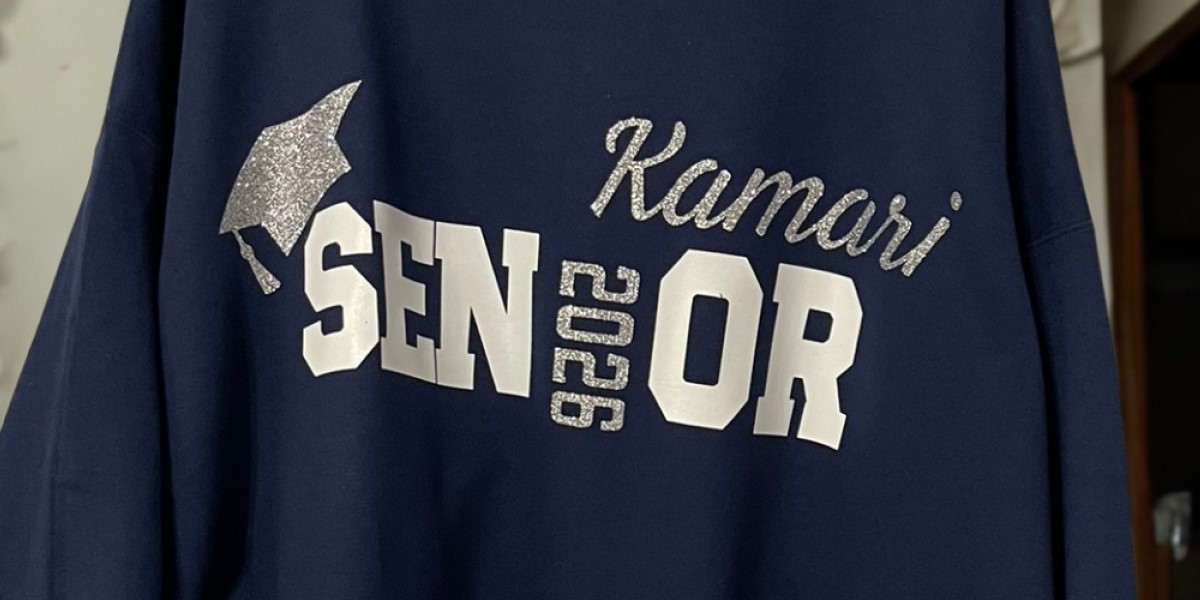
This follow-up class builds on the basics learned in Introduction to Cricut and guides participants through the full process of creating heat-transfer vinyl (HTV) projects. Heat transfer vinyl can be used to customize your own shirts, totebags and other fabric items with logos and images. Students will learn how to make their design in Cricut Design Space software, select the correct HTV settings, mirror and cut their designs, and weed their vinyl cutouts with confidence. The session concludes with hands-on heat pressing, where participants will apply a finished design to a heat-sustainable item such as a totebag provided by Makerspace. Alternately, students may purchase a t-shirt from the instructor for $5 (a limited selection of sizes and colors available). This class is a perfect next step for anyone looking to create polished, professional-looking HTV projects!
Instructors
Natasha Scott
Contact us
- Program Manager
- ed••••n@roc••••s.org
Location
Classifications
Categories
- Paper & Vinyl Arts