
Upcoming
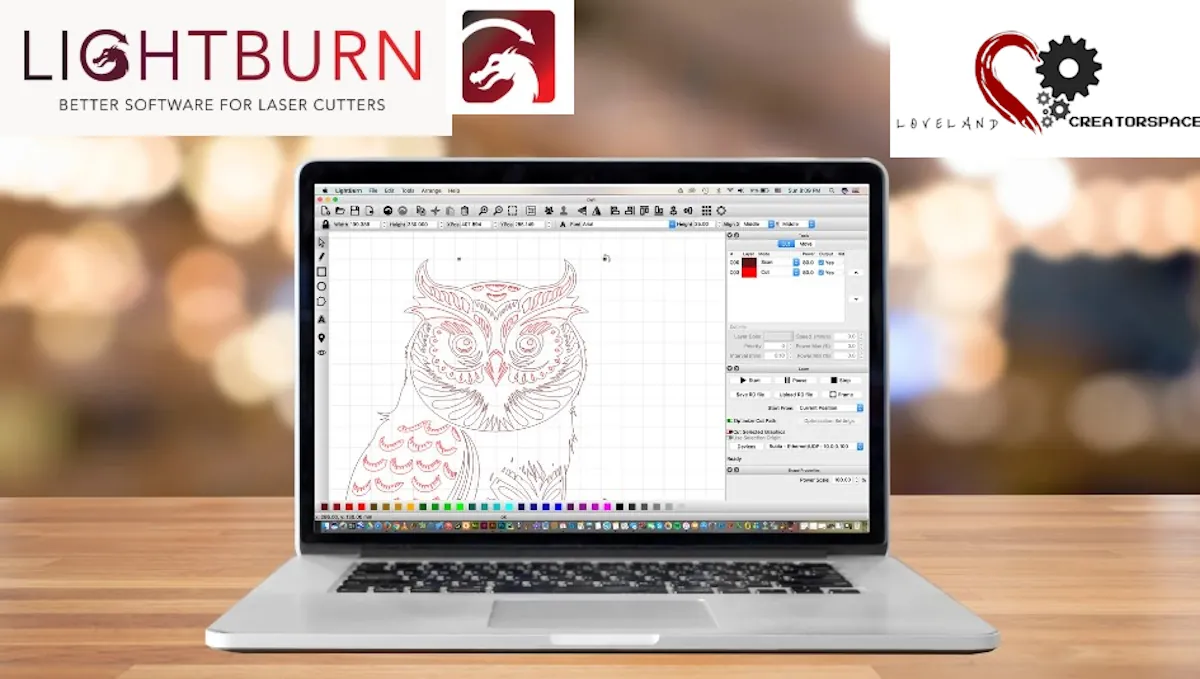
How To Design Laser Projects with Lightburn Software with Mick Mickelson
From $ 35 usd
Sun, Mar 1, 2026, 12:00 – 2:00 PM MST
Loveland CreatorSpace's Classroom, 320 N. Railroad Ave, Loveland, CO Map
The cost for this class is $55 per student.
ACTIVE Loveland CreatorSpace members pay $35.
The preliminary outline of the class topics are:
1. Understanding LightBurn’s Interface
- Navigating the main workspace (design area, tools, and layers panel)
- Using the toolbar for selection, drawing, and editing
- Understanding the cut/layer settings window
2. Importing & Creating Designs
- Importing vector files (SVG, DXF, AI, PDF) and raster images (JPG, PNG, BMP)
- Using LightBurn’s built-in design tools (drawing shapes, text, and editing nodes)
- Understanding grouping & ungrouping objects for better control
3. Setting Up Laser Parameters
- Configuring speed and power settings for different materials
- Assigning cut, engrave, or scan functions to layers
- Adjusting line interval (DPI), passes, and kerf offsets
4. Positioning & Framing
- Using absolute coordinates, user origin, and current position for laser job setup
- Using the framing tool to ensure alignment before starting a job
Instructors
Mick Mickelson
Instructor
Contact us
- Kerri Sewolt - Executive Director
- lo••••e@gma••••l.com
- 970-658-0038
Location
Loveland CreatorSpace's Classroom, 320 N. Railroad Ave, Loveland, CO
Classifications
Categories
- Single-session
Age Groups
- All
Levels
- All