Upcoming
Create Plans in Jira
$ 895 usd
Thu, Aug 27, 2026, 10:00 AM – 2:00 PM EDT
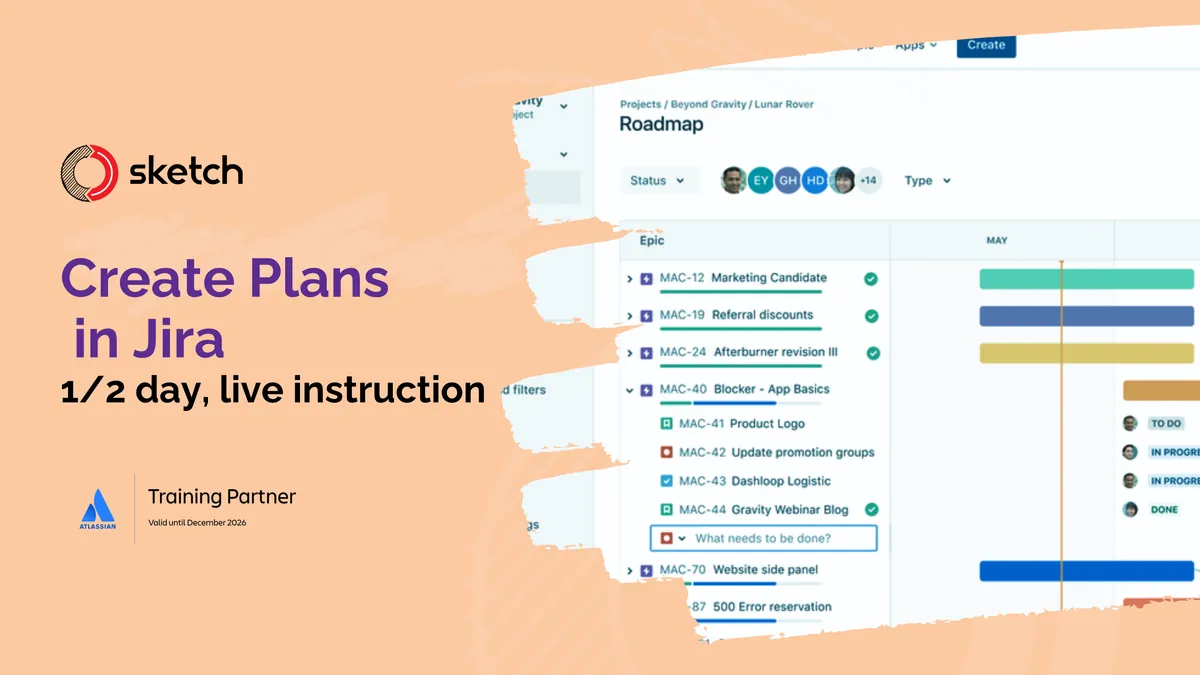
Plan and track work across teams and projects
In this course, an expert instructor will teach your team how to use Jira Plans to bring work from multiple projects and teams together so you can confidently manage work and adapt to change quickly.
Your team will also learn how to identify and map dependencies across work, track team capacity, and customize your plan view.
This course is designed for intermediate Jira users.
Before taking this course, you should complete Onboard to Jira Cloud or have a basic understanding of Jira.
After taking this course, you will be able to:
- Explain how time, scope, and resources go into planning work
- Explain how project managers use Plans
- Describe the key features of Plans
- Create a plan and map dependencies
- Choose the best view for your work
- Configure your plan view
Lessons
- Course overview
- Getting started with plans in Jira
- Plans in Jira and auto-scheduler
- Working with dependencies
- Working with releases and scenarios
- Working with teams
- Using colors and views
Logistics:
- Each participant will receive:
- access to an individual Atlassian Cloud learning environment for at least one month after the course.
- an Atlassian lab workbook designed for this course.
- Within 1 business day of registering, Sketch will send you a calendar invitation for the live virtual session.
- Cloud learning environments will be distributed within 1 week of the scheduled course, and lab workbooks come with the calendar invitation.
- The course schedule includes several 10-minute breaks throughout the day.
Instructors
Brad Wood
Atlassian Certified Professional / ITSM
Contact us
- Sketch Development
- tr••••g@ske••••v.io
- 888.514.7942
Classifications
Categories
- Jira
Levels
- Intermediate