GibbsCAM MTM Training Level 1 -- Dual Spindle, Single Turret Fundamentals
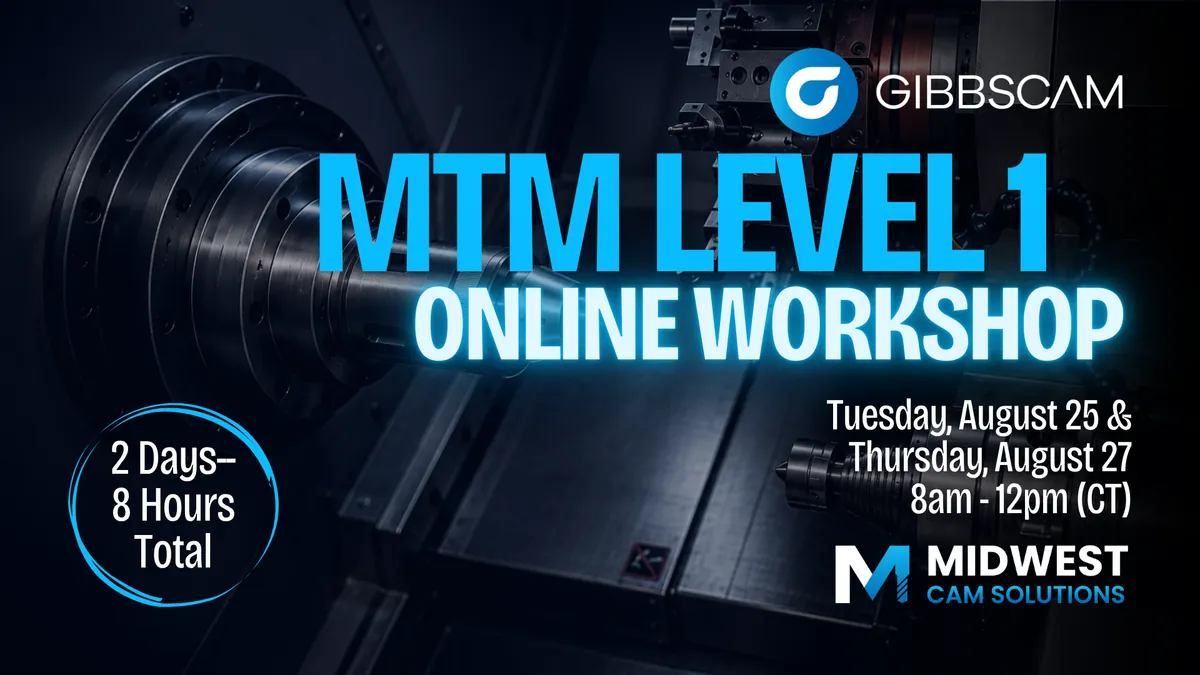
GibbsCAM MTM Training – Level 1
Dual Spindle, Single Turret Fundamentals
🔍 Overview
This instructor-led, hands-on course introduces the fundamentals of Multi-Task Machining (MTM) in GibbsCAM, with a focus on dual-spindle, single-turret machine configurations. Designed for programmers new to MTM or those transitioning from traditional mill/turn programming, the course provides a structured foundation in machine setup, basic programming, part transfer, and simulation.
Delivered over two 4-hour sessions, the format allows participants to build confidence through guided instruction, hands-on practice, and time to reinforce concepts between sessions.
🎯 Learning Objectives
By the end of this course, participants will be able to:
- Understand the fundamentals of MTM programming in GibbsCAM.
- Configure a dual-spindle, single-turret machine environment.
- Create basic turning and milling operations.
- Perform a part transfer from the main spindle to the sub spindle.
- Utilize utility operations required for MTM programming.
- Simulate and verify the complete machining process.
- Troubleshoot common programming and simulation issues.
Session 1 – MTM Fundamentals & Machine Setup (4 Hours)
Introduction to MTM & GibbsCAM Workflow
- What is Multi-Task Machining (MTM)?
- MTM machine configurations and terminology.
- Workflow from part import to finished program.
- Review of sample MTM projects.
Machine & Part Setup
- Defining a dual-spindle, single-turret machine configuration in DCD.
- Understanding machine components.
- Tooling fundamentals:
- Fixed tools
- Live tools
- Tool blocks and holders
- Importing and preparing part geometry.
Basic Programming
- Programming turning operations on the main spindle.
- Programming milling operations.
- Tool ordering and operation management.
- Preparing the part for transfer.
🛠 Hands-On Exercises
- Configure an MTM machine.
- Build a basic tooling setup.
- Import and prepare a part.
- Program basic turning operations.
- Program basic milling operations.
Session 2 – Part Transfer, Simulation & Verification (4 Hours)
Review & Questions
- Review key concepts from Session 1.
- Answer participant questions.
- Verify machine and project setup.
Part Transfer
- Main spindle to sub spindle transfer process.
- Creating transfer operations.
- Sub Spindle In.
- Part Shift.
- Return operations.
- Best practices for successful transfers.
Basic Programming
- Programming turning operations on the sub spindle.
- Programming milling operations on the sub spindle.
- Tool ordering and operation management.
- Preparing the part for transfer.
Simulation & Verification
- Using Operation Simulation.
- Cut Part Rendering.
- Machine verification.
- Identifying and correcting programming issues.
- Troubleshooting common simulation errors.
Workflow Review & Best Practices
- Programming tips and workflow organization.
- Common mistakes to avoid.
- Final review and discussion.
🛠 Hands-On Exercises
- Complete a part transfer.
- Create required utility operations.
- Simulate the complete machining process.
- Verify the finished program.
- Troubleshoot common issues.
📋 Course Information
Duration: Two 4-hour instructor-led sessions (8 hours total)
Dates: August 25th and August 27th from 8am-12pm (central)
Prerequisites: Basic GibbsCAM experience (Mill/Turn recommended)
Format: Online instructor-led training with live demonstrations, guided exercises, and hands-on programming.
Who Should Attend: GibbsCAM users who are new to Multi-Task Machining or are looking to build a solid foundation before moving into more advanced MTM programming techniques.
Instructors
Tim Trzil
Contact us
- Jessica Bird
- Je••••a@mid••••s.com
Classifications
Categories
- Summer
Age Groups
- Adult